A DBA’s life becomes easier if there is a script to get the required information. This article is about a script to get SQL Cluster Failover time and Node Name prior to failover and little more.
You can go through the following link to know what and how to check the same information in SQL Server Error log. I have also explained what all other related information can be found. The output of the below query will make more sense if you read the article first.
SQL Cluster Instance Failover Time and Node Name prior to Failover
After writing the above article I thought of working on the script to scan through all the error log files. This way I can find not only the latest SQL Cluster failover time and Node name but also history of failover information. This may help in situations where you are facing frequent failover issues or you need a failover history report.
CREATE TABLE #ErrorLog(
   LogDate DATETIME,
   ErrorSource NVARCHAR(MAX),
   ErrorMessage NVARCHAR(MAX)
)

CREATE TABLE #NumberOfLogs(
   ID INT PRIMARY KEY NOT NULL,
   LogDate DATETIME NOT NULL,
   LogFileSize bigint
)

INSERT INTO #NumberOfLogs(ID,LogDate,LogFileSize)
EXEC master.dbo.xp_enumerrorlogs

DECLARE @ErrorLogID INT

DECLARE cNumberOfLogs CURSOR FOR
   SELECT ID
   FROM #NumberOfLogs

OPEN cNumberOfLogs
FETCH NEXT FROM cNumberOfLogs INTO @ErrorLogID
   WHILE @@FETCH_STATUS = 0

   BEGIN
       INSERT INTO #ErrorLog(LogDate,ErrorSource,ErrorMessage)
       EXEC sp_readerrorlog @ErrorLogID, 1, 'NETBIOS'

       INSERT INTO #ErrorLog(LogDate,ErrorSource,ErrorMessage)
       EXEC sp_readerrorlog @ErrorLogID, 1, 'SQL Server is terminating'
       FETCH NEXT FROM cNumberOfLogs INTO @ErrorLogID
   END

CLOSE cNumberOfLogs
DEALLOCATE cNumberOfLogs

SELECT LogDate, ErrorMessage FROM #ErrorLog

DROP TABLE #ErrorLog
DROP TABLE #NumberOfLogs
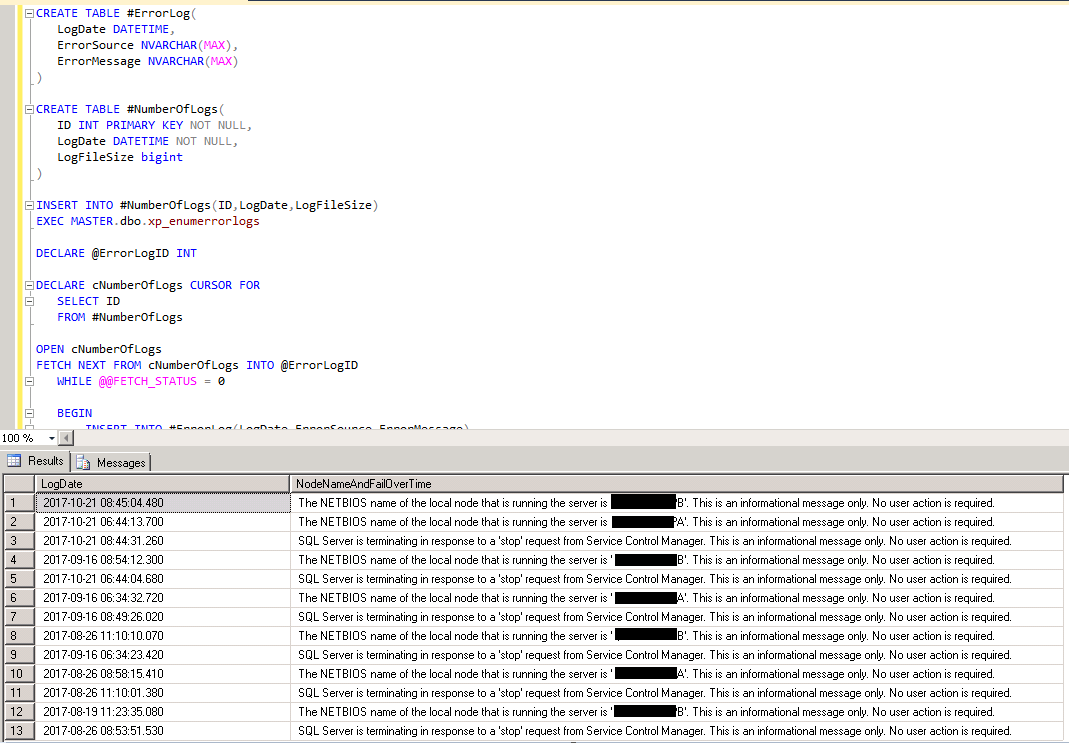
The below screen shot shows a sample result set:
If this is helpful, please let me know by leaving your comments below. I would love to hear from you if you have any better way to get the same information.
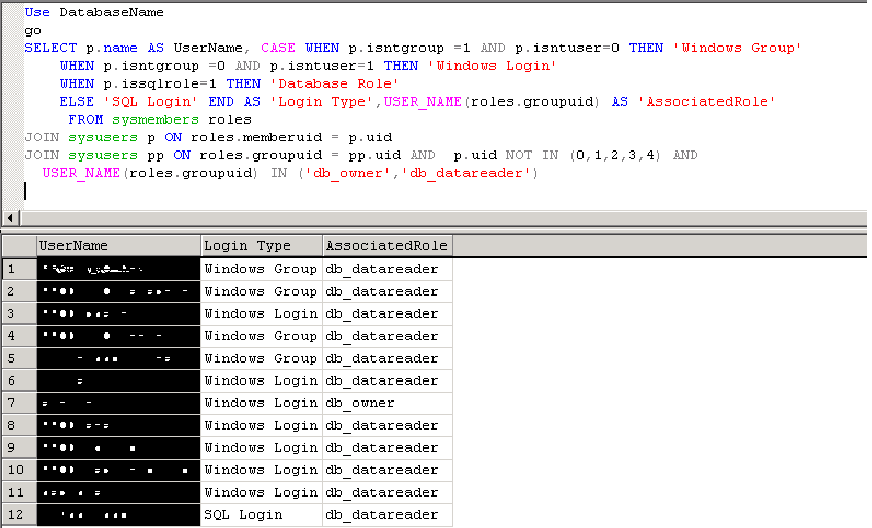
You may also like to check the Script to List All Users with db_owner role in SQL 2000.